


.png)
.png)


PROJECT ZOMBOID · MONTHLY PLAN
Project Zomboid Starter
6GB RAM
A small vanilla group with a carefully sized world.
$9.99USD / month
Monthly billing · $0 setup
- Storage
- 40 GiB
- Shared CPU ceiling
- 200%
- Local backup quota
- 1 backup

Your next idea starts with a name.
Find a domain for your website, or bring an existing name to Cyber Edge Hosting.
Explore domainsA home for what you’re building.
From your first website to an online store, our team can help you find a place to start.
Talk to our teamSimplifying Hosting,
Amplifying Success
A team behind your next step. Get to know Cyber Edge Hosting.
Our storyMore time for your website.
Explore Managed WordPress Care, with help for the work behind your WordPress site.
Talk to our teamA safer home for your site.
Have questions about protecting your website? Our team can help you explore your options.
Talk to our team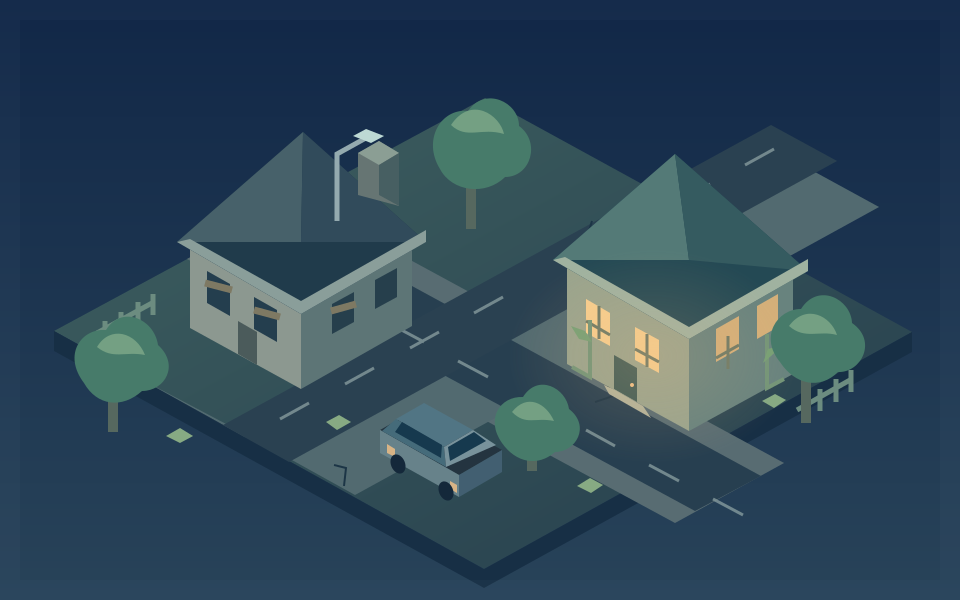
A SAFEHOUSE FOR YOUR NEXT SURVIVAL STORY
Your world. Your survivors. Your next plan.
Give your survivors a shared place to plan, scavenge, and start again. Explore Project Zomboid hosting around your world, activity, and planned mods.
From $9.99 USD / month · No setup fee
CHOOSE YOUR NEXT SESSION
Compare three monthly plans around your world, active survivors, and planned Workshop content.
PROJECT ZOMBOID · MONTHLY PLAN
A small vanilla group with a carefully sized world.
Monthly billing · $0 setup
PROJECT ZOMBOID · MONTHLY PLAN
More room for an established world and light mods.
Monthly billing · $0 setup
PROJECT ZOMBOID · MONTHLY PLAN
Larger worlds and checked mod sets with extra headroom.
Monthly billing · $0 setup
RAM labels use GB for readability; each displayed GB represents 1,024 MiB of allocated memory. CPU limits are shared ceilings: 100% allows up to one vCPU’s scheduling time and does not reserve a dedicated core. Backup counts are local storage quotas, with no automatic schedule or offsite protection included. Player capacity and resource use depend on your settings, activity, and installed content.
Tell us your world settings, expected activity, and Workshop collection or mod list. We’ll confirm a suitable setup and current availability before activation.
YOUR SERVER. YOUR CONTROLS.
Console access, server files, and power controls are together in the game panel. Keep the hosting essentials close while your group plans its next move.
Already with us? Open your panelTHE ESSENTIALS, TOGETHER
A place for your group, the tools to manage your service, and a clear starting point.
Personalize the public server name and description, and discuss your preferred world settings with the team.
Access your console and start, stop, or restart controls from the Cyber Edge game panel.
Manage supported server and configuration files from your panel, with the essentials in one place.
World generation, player activity, and Workshop content affect memory use. Larger mod collections may need a custom setup.
Your plan includes a local backup quota. Automatic scheduling and offsite protection are not included; keep your own copies of important files.
Tell us your world settings, expected activity, and Workshop collection or mod list. We’ll review the fit and availability.
PREPARE · COOPERATE · SURVIVE
Bring your preferred world settings and Workshop collection. We’ll discuss compatibility and the resources your world needs before confirming the setup.
World generation, survivor activity, and installed content affect memory use. Large collections may need a custom setup.
The standard setup uses the stable branch. Compatible client and server versions are confirmed during setup.
BEFORE YOUR NEXT SESSION
Clear up the details before the next supply run.
Ask our team Explore all gamesThe standard setup uses the current stable branch. We’ll confirm the compatible client and server version during setup rather than promise a particular version indefinitely.
Send the collection or list you want to run. Compatibility and workload must be reviewed; large collections may require a custom plan.
World generation and active worlds can need substantial memory, with additional room for the runtime itself. We assess the actual workload before confirming a plan.
Availability depends on suitable capacity and the agreed setup. The team completes connection ports and private administrator credentials, then confirms activation. Players supply their own compatible game clients and licenses.
Contact us to confirm availability first. We review the requested setup and suitable capacity, then confirm activation arrangements with you.
The listed count is a quota for local backups. It does not include an automatic backup schedule or independent offsite protection. Keep your own copies of important worlds and files; ask us about your backup requirements.
Reviews below reflect Cyber Edge Hosting customers across our services.
5.0/ 5
Expert ratings and
11 user reviews

“It's fast and responsive, the support is amazing, and website management is easy.”Read on HostAdvice
“Great affordable service with an awesome customer support team.”Read on HostAdvice
“This site is super easy to use, fast responsive, and their support team is great.”Read on HostAdvice
